


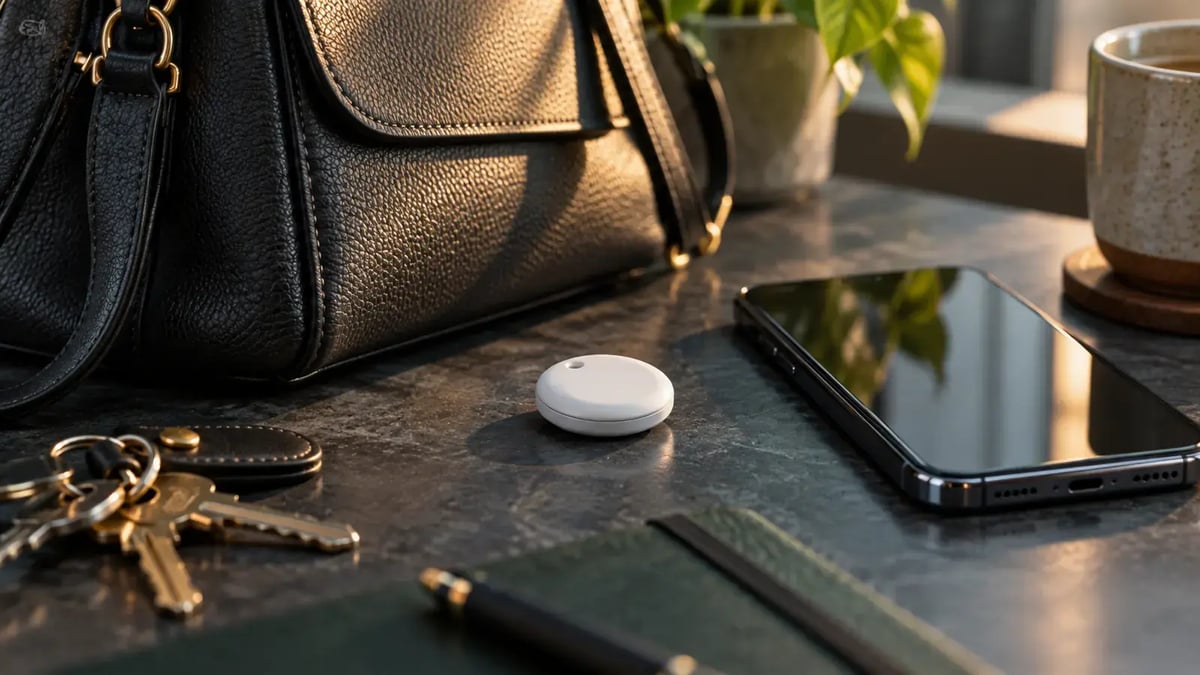
Quick answer: AirTags and similar trackers can be misused for unwanted tracking. Supported iPhone and Android devices offer alerts, but an alert needs context and no system guarantees immediate detection.
Watch the original NBC10 report
If you receive an unfamiliar-tracker alert
Review the notification and follow the device maker’s instructions to learn more or locate the item. If you feel at risk, move to a safe public location and contact law enforcement or a trusted person. Avoid going to a sensitive location if you believe you may be followed.
Keep relevant alert details and the tracker’s identifying information when safe to do so. Whether to disable a tracker can depend on your circumstances; official guidance describes the options. Do not assume an alert means you have found every possible tracking device.
Updated device guidance
- iPhone: use Apple’s current unwanted-tracking guidance and check the required software and settings.
- Android: supported devices have automatic unknown-tracker alerts and manual scanning options. The original post’s statement that detection was manual-only is outdated.
Correction to the old battery instructions
The original battery-removal section mistakenly told readers to put a battery back in. That does not disable an AirTag. Use the current Apple instructions for the identified device rather than a generic battery-replacement procedure.
Frequently asked questions
Can Android phones automatically warn about an unknown tracker?
Supported Android devices provide unknown-tracker alerts, including for Apple AirTags and compatible trackers. Check current Google guidance and your device settings; the older claim that Android only supports manual scans is outdated.
Does an alert prove that someone is stalking me?
No. An alert may also occur around borrowed belongings or someone else’s tracker. Take it seriously, review the alert details, and prioritize your safety if the circumstances are concerning.