



Quick answer: Low-occupancy offices still need physical and network security. Review door schedules, alarms, visitor access, exposed ports, and wireless networks against the way the building is actually used.
The New Normal
Low-occupancy and hybrid offices remain part of the security environment. The original article was written during 2020 pandemic closures; review its physical-access and network questions against today’s staffing patterns and business dependencies.
With this post, we'll touch on a few of the different threats we cover in our enterprise security assessments that review organization security, both online and in the real world. In our experience, these neglected offices haven't been receiving the equal attention or scrutiny that the 'securing your WFH workforce' movement has enjoyed. With most, or all, employees connecting from home, what does this mean for our physical offices? After all, what good is applying multi-factor authentication to our VPN portals and implementing the latest endpoint protection solution, if the doors into our [empty] offices are still open from 7am-7pm five days-a-week?
Here is a short list of things you can do today, to review/enhance the security of your physical offices:
Are Your Doors Still Open?
It's not uncommon for office spaces to automagically unlock during normal business hours and lock again around 5pm. During the day, our staff can act as a deterrent to would be bad actors, but in their absence, what's stopping bad people from doing bad things?
Review automatic door-unlock and alarm schedules with building management, including current holidays and exceptional opening hours. Do not rely on an old calendar example or assume that normal business hours still match occupancy.
Finally, make sure your access control system is logging activity into [and out of] your building/suite/etc. on a protected and remotely-accessible system.
Perform Reviews of Security Controls
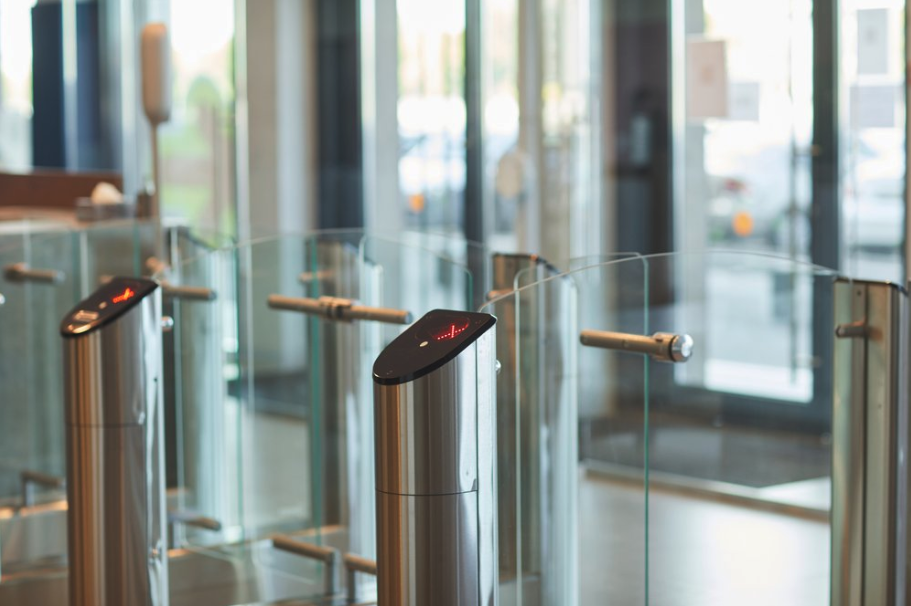
Many corporate office buildings these days are designed to be aesthetically pleasing and often that comes at the cost of security. Ever see a waist-height turnstile? Suffice to say, construction mandates of 'pretty' and 'rushed' don't always add up to a secure implementation; thus, a double check of our physical security controls (e.g., locks, alarms, keypads) is in order. Said differently, we break into occupied companies (with permission) all the time; usually we are hurried and trying to avoid detection. Imagine what a determined threat actor can do with more time and less scrutiny. Bottom line: make sure your sensors sense and your locks lock.
Disconnect Easily Accessible Ethernet Ports
Common areas, lobby phones, conference rooms, IP cameras, all potential entry points into your network. Who's watching them? Would you know if someone plugged into one of them? Maybe it's just best to disconnect them at the patch panel if they can't be controlled or monitored and aren't serving a purpose during the pandemic.
Pro tip: Don't forget telco closets and electrical rooms outside your suite that may offer an attacker LAN connectivity.
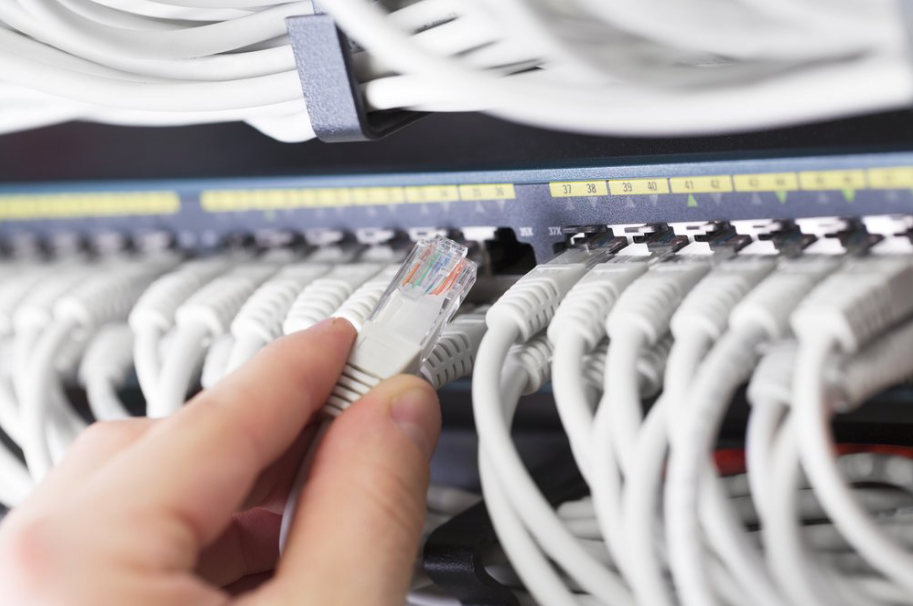
Don't Need It? Unplug It.
Disconnect WiFi
Similar to physical networking, if no one is in the office, can we spin down the wireless networks until offices start to open back up? With access to the WiFi, attackers don't need to set foot in your suite, may not even your building. Even if your wireless networks are password protected, they could be targeted by an attacker, and potentially exploited to gain access to local resources. Consider this chain of events: an attacker gains access to the WiFi then identifies, accesses, and disables your building access control/monitoring systems. What could they do then with no one watching?
Hiding the SSID is not a meaningful security control. Use appropriate wireless authentication, segmentation, access restrictions, monitoring, and maintained equipment.
A less obvious network name does not replace wireless security controls.
 Hacking Can Happen From Anywhere When WiFi is Enabled
Practical next steps
- Check opening schedules and holidays with facilities and building management.
- Test locks, alarms, monitoring, and escalation arrangements.
- Restrict unused network access and review necessary wireless services with IT.
Frequently asked questions
Does hiding a Wi-Fi name secure the network?
No. A hidden SSID is not a meaningful security boundary. Use appropriate authentication, segmentation, monitoring, and maintained equipment.
Should every empty office disable its network?
Review business dependencies first. Restrict or remove unused access while preserving approved services such as monitoring and building controls.
Further reading: Related SEVN-X guidance